Everything else
Characters that aren't from MetaHuman Creator or Character Creator go through the Unreal exporter too: Fab characters sold as "MetaHuman compatible", characters made for the UE5 Mannequin, and characters from GLB or FBX files imported into Unreal. They come in with their body, clothes and hair on one skeleton, their textures on Godot's standard materials, and the same retargeting as every GoDNA character.
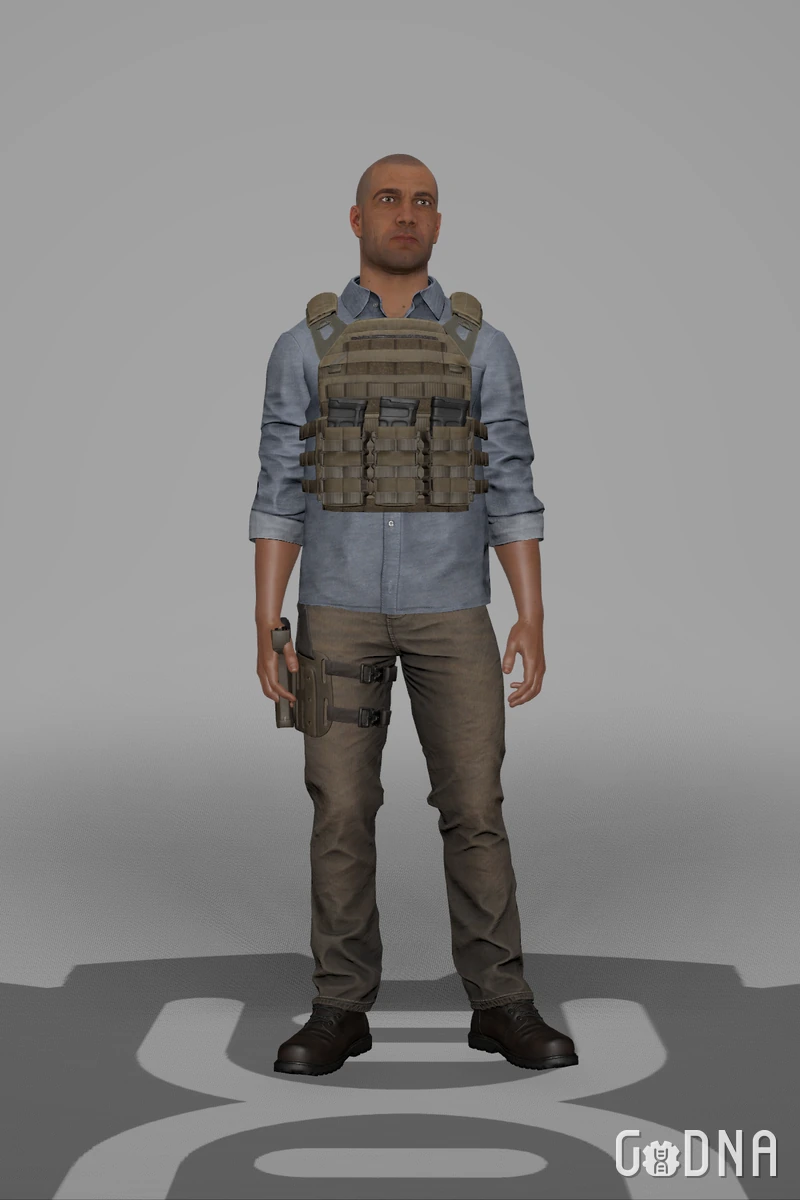
A Fab character on Unreal's humanoid skeleton
What works
| Skeleton | Unreal's humanoid names (UE5 Mannequin, MetaHuman body) and Mixamo's are recognised. Any other skeleton imports with its own bone names, and you map it once with Map Bones. |
| Body and clothes | The body and every skeletal mesh that follows it. Characters made of several modular meshes work: the other meshes come in as clothing. |
| Head | Comes along with the body, with the expression it was sculpted with. |
| Face shapes | Only when the morph targets have ARKit names (jawOpen, eyeBlinkLeft, ...). Without a face rig there are no face shapes, no jaw and no eye look-at. |
| Materials | Godot standard materials with the textures read from each Unreal material (base colour, normal, roughness, metallic, occlusion, emissive, opacity), glTF materials included. GoDNA's skin, eye, cloth and hair shaders are one pick away. |
| Hair | Groom hair cards. Strand-only grooms are left out. |
| Left out | Static meshes attached to sockets (hats, glasses), and material effects built from other nodes (blends, tiling). The export log lists them. |
Licensing
A character you bought or downloaded stays under the license it came with, not GoDNA's. GoDNA is import technology and owns no rights in any model. Before you use a character in a project, check that its license allows it: use in a game, in an engine other than the one it was made for, and in a product you sell. See Your characters' licenses.
1. Get the character into Unreal
Use the character as Unreal has it: a Fab character from its Blueprint, or a GLB / FBX file imported into Unreal as a skeletal mesh. You need Unreal Engine 5.6 or later and the GoDNA Human Exporter plugin (free on Fab).
2. Check and export it
- Select the character's Blueprint in the Content Browser. A character without a Blueprint (one imported from a file) works too: select its skeletal meshes together. The mesh with the most bones becomes the body.
- Choose Tools > GoDNA > Check Compatibility of Selected Character. Characters other than MetaHumans are rated partially compatible: the report lists what is left out and how to change it. If it says not compatible, it lists what to fix first.
- Choose Tools > GoDNA > Export Selected Character, confirm the limitations, and pick a folder.
- In Godot, import the
.gdnafrom the Characters drawer with Import Character... (or copy the export folder into your project).
See Unreal exporter for the details of the check and the export.
3. Map the bones (if asked)
Open the Import Report under Import Character.... Its Animation retargeting part says whether the character has every bone Godot's humanoid profile needs. If its bones have other names (a 3ds Max Biped, a Blender or Unity rig), click Map Bones..., let Guess Empty Ones fill what it can, check the picks, and Save and Reimport. Animations retarget from then on. See Characters and import options.
4. Give it GoDNA's shaders
A tile with a warning badge has surfaces that could use GoDNA's shaders. In Skin, Outfit or Groom Studio, open the surface's slot and pick Skin, Eye, Cloth or Hair under Shader, then Bake. See Our shaders on other characters.