GoDNA Standard
Everything in GoDNA Lite, plus GoDNA's shaders and two tabs in the GoDNA tab, here named GoDNA Standard: Animations, to pack animations into a character, and Materials, to tune its look. The face keeps the neutral expression of Unreal's face rig; ARKit face shapes are in GoDNA Pro.
What's in it
- The importer, retargeting, GoDNAHuman and the drivers, as in every edition.
- The skin, eye, teeth, hair-card and cloth shaders, set up from the Unreal (or Character Creator) materials on import: subsurface scattering, eye refraction, strand highlights and light through the hair.
- The GoDNA tab with its view and drawers, plus:
- Animations: the character's own animation, and body clips and face takes packed into it.
- Materials: the main settings of every shader on the character.
Both tabs save into the character's .gdna with Bake, in the same format as GoDNA Pro's studios, so a
character set up in Standard opens unchanged in Pro.
Animations tab
Packs animations into the character: they play on the AnimationPlayer the character gets on import, so a game can
call play("Walk") on it straight away. Click an animation to preview it in the view.
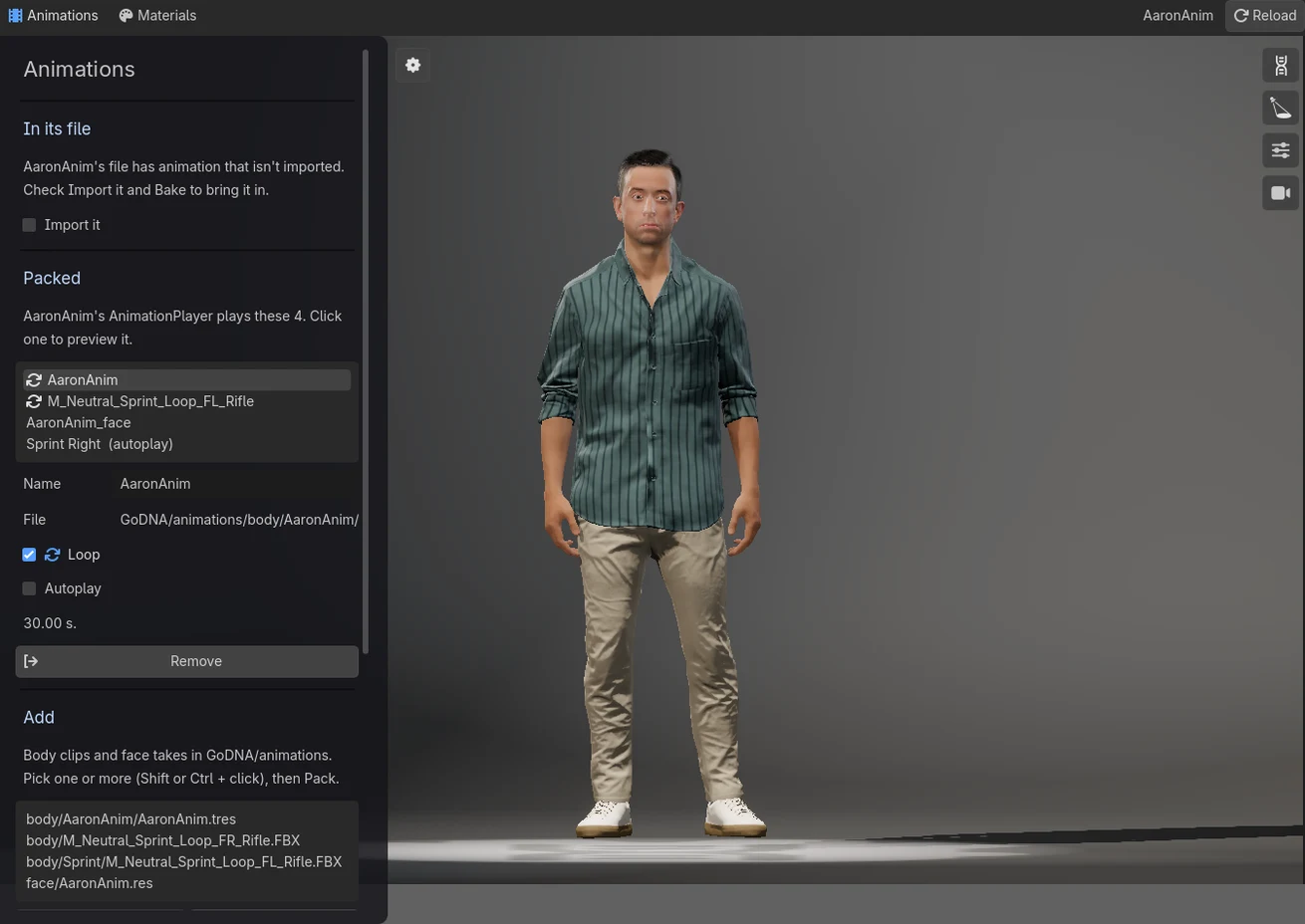
In its file
Shown for a character whose own file carries animation, such as a Character Creator character exported from iClone with a motion. It lists that animation (click it to preview it).
- Import it: on, the character's
AnimationPlayerplays it under its own name. Off leaves it out on the next Bake (the.gdna'soptions.import_motion).
Packed
The animations packed into the character, with their names; click one to preview it and change it.
| Setting | What it does |
|---|---|
| Name | The name the character's AnimationPlayer gives it: play("name"). Two animations can't share one. |
| File | The file it comes from (hover for the full path). |
| Loop | Start over at the end. Off plays it once and holds the last frame. Body clips loop by default. |
| Autoplay | Play this one when the character enters the scene in the game. Only one can. |
| Remove | Take it out of the character. The file isn't deleted. |
A note under the settings says when a file can't be loaded any more or a name is taken twice.
Add
- The list shows the body clips and face takes in
res://GoDNA/animations/. Pick one or more (Shift or Ctrl + click) and click Pack. Every animation in each file is packed; a face take whose name is taken gets_faceadded. - Files... picks animation files anywhere: in the project, or on disk (a Mixamo download, for example). Files
from outside the project are copied into
res://GoDNA/animations/body/first. - FBX, glTF and DAE files are set up for retargeting as they're packed: imported as an Animation Library with Retarget From set to Detect (Mixamo or UE5 Mannequin / MetaHuman), so they play on the character. Files marked (set up on Pack) in the list haven't been yet. Clips Godot can't retarget (no humanoid bones) are left out with a note. See Retargeting.
.res,.tresand.animfiles (an Animation or an AnimationLibrary) are packed as they are.
Keys
Click the view first.
| Key | Action |
|---|---|
| Space | Pause / play the preview |
| Home | Back to the start |
| Up / Down | Previous / next packed animation |
| C | Next camera view (Full body, Face) |
Materials tab
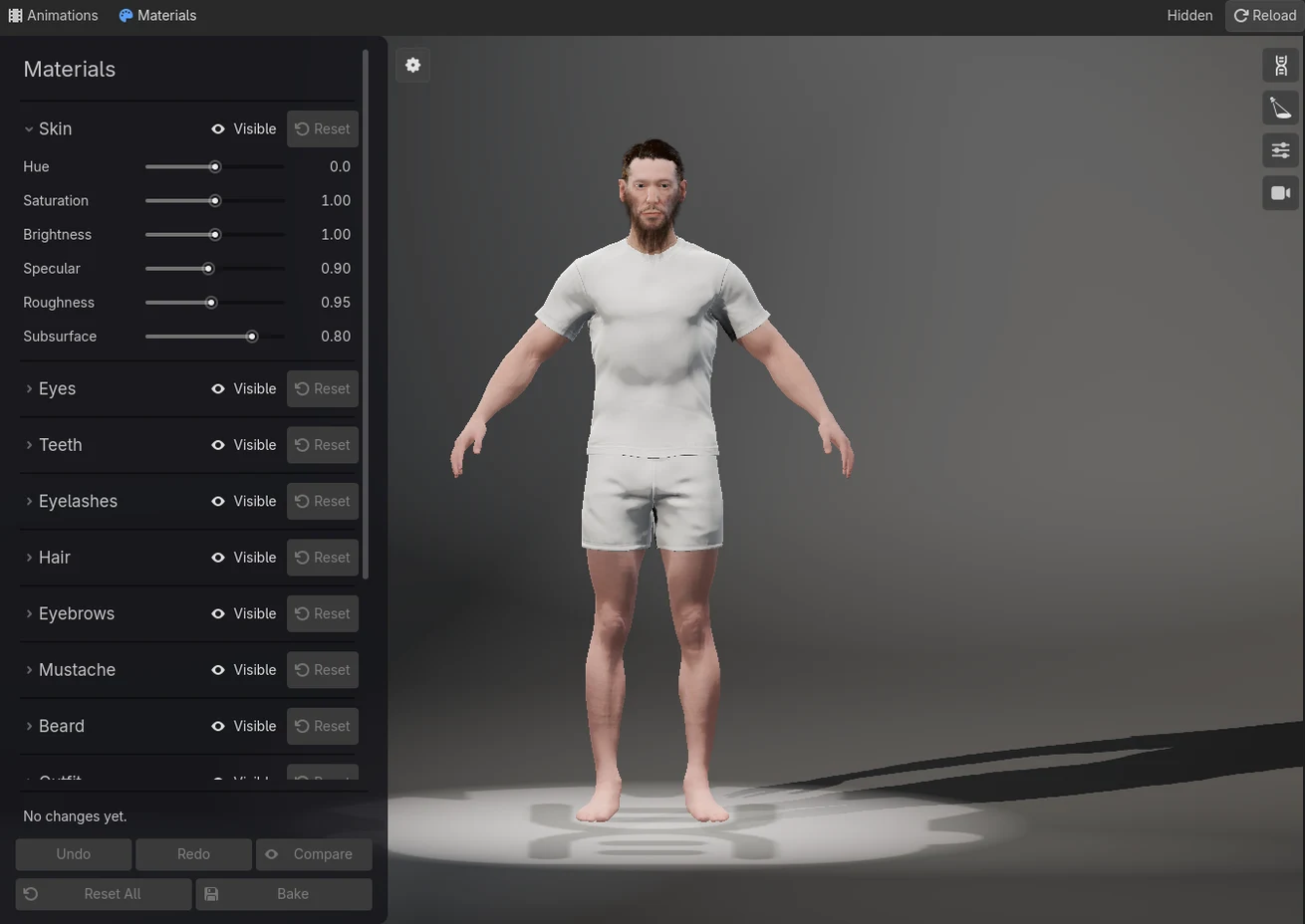
One list of every material on the character, grouped as Skin (head and body together, so the neck seam doesn't show), Eyes, Teeth, Eyelashes, each groom and each piece of clothing, with the main settings of each shader:
| Group | Settings |
|---|---|
| Skin | hue, saturation, brightness, roughness, specular, subsurface |
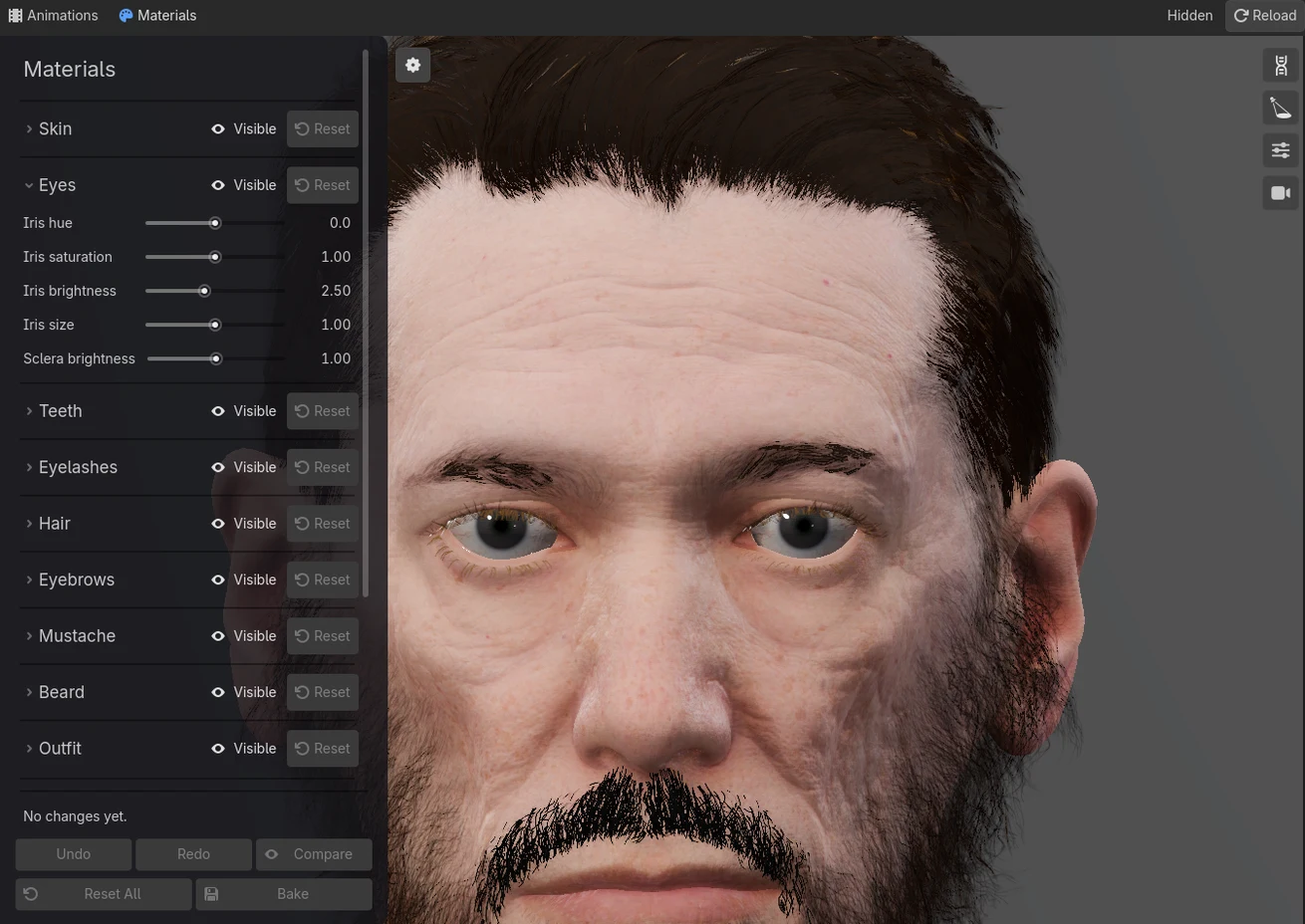
| Eyes | iris hue, saturation, brightness and size; sclera brightness |
| Teeth | tint, roughness |
| Hair cards | melanin, redness and dye (or color), roughness, specular, opacity |
| Eyelashes | melanin, opacity |
| Clothing | color 1 and 2, roughness, normal strength |
Opening a group frames what it changes; here the Eyes group:
Surfaces imported with their Unreal material as a standard material (on Fab and other characters) are listed as (other), where you can give them one of GoDNA's shaders; see Our shaders on other characters.
- Visible leaves a mesh or slot out of the character when baked.
- Reset on a group returns it to the imported look; Reset All does it for every group.
- Undo and Redo (Ctrl+Z, and Ctrl+Shift+Z or Ctrl+Y, with the view clicked). A whole slider drag is one step.
- Hold Compare (or C over the view) to see the baked look.
- Hover a setting's name for what it does. Click a number to type a value; right-click a field to reset it.
The full set of every shader's settings, saved looks and the preview timeline are in Pro's Groom, Outfit and Skin Studio.
Bake
Bake (in either tab) saves both tabs' changes into the character's .gdna and reimports it. A * on the
button means there are unbaked changes; switching characters with unbaked changes asks first.
| Tab | Saved as | Manifest block |
|---|---|---|
| Animations | The packed animations with their name, loop and autoplay; whether the own animation is imported | animations, options.import_motion |
| Materials | Shader setting and visibility changes | overrides |
The Unreal exporter keeps these blocks when you export the character again. See the manifest reference.